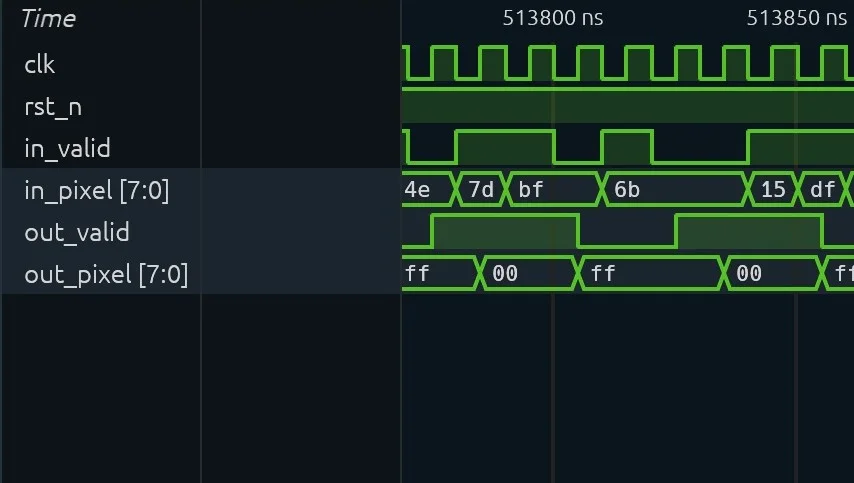
Simulation waveforms
VCD, FST and GST traces, with every signal on one timeline.
Products
An AI desktop workbench built for semiconductor engineering. It connects your professional tools to carry out complex tasks, speeding up design and verification.
Your project, Micius and your engineering files in one workbench.
Domain projects
Choose a local folder and its domain: Chip, PCB, Godot, CAD or CUDA. Micius then works with that domain’s tools and conventions.
Sessions
Sessions are saved with the project. Commands, results and output files are recorded, so you can trace how a design was changed and verified.
Engineering files open read-only inside the project, with no extra software to install.
VCD, FST and GST traces, with every signal on one timeline.
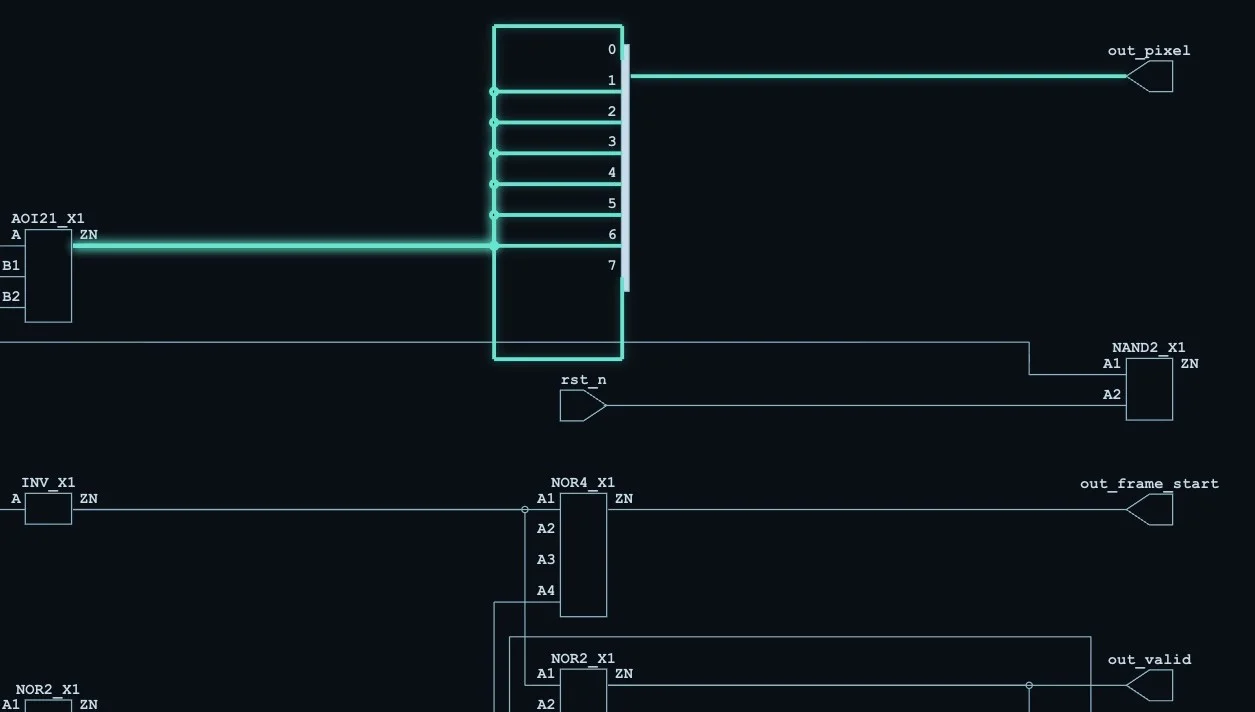
Trace a net from the cell that drives it to its output port.
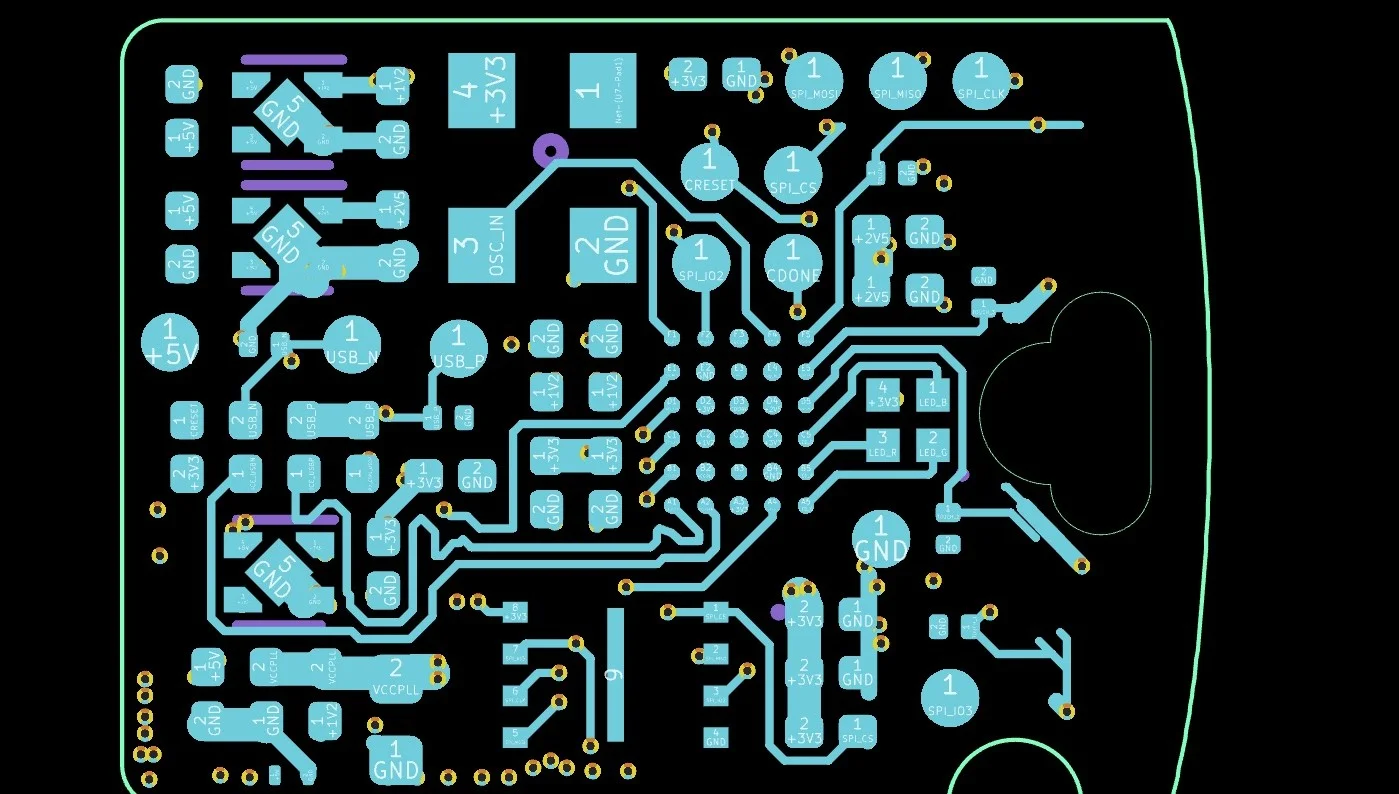
PCB layouts and schematics, checked layer by layer.
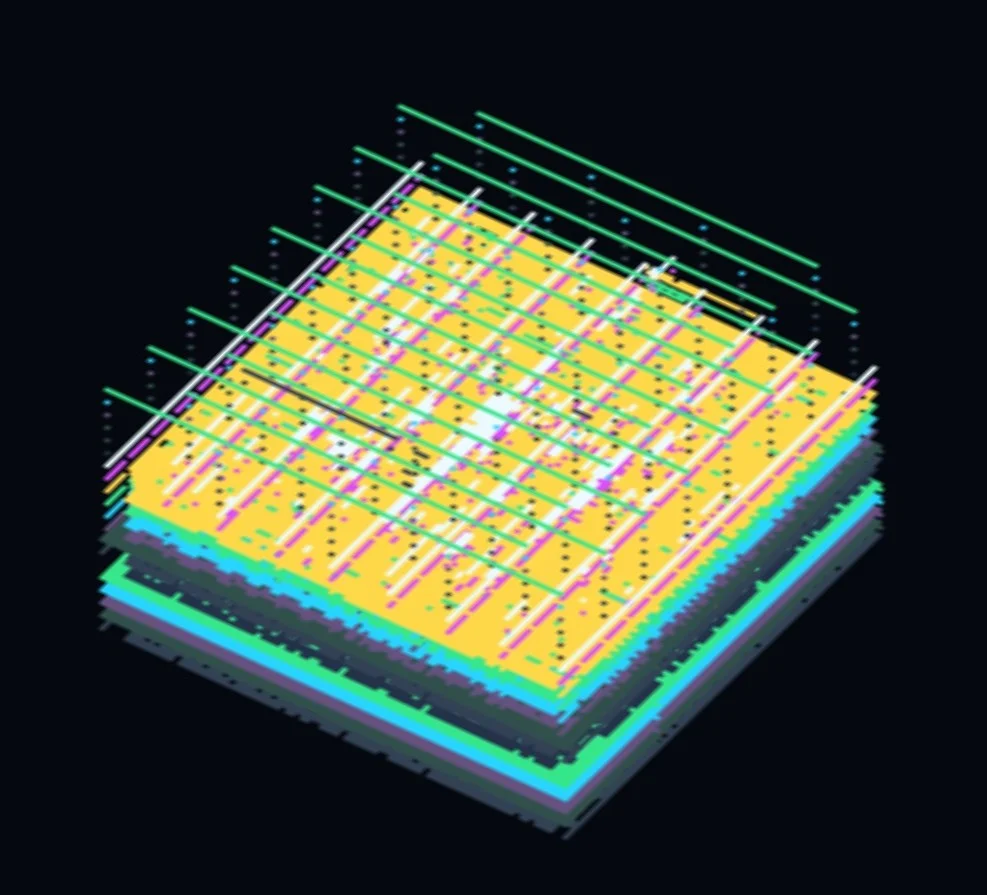
Also opens
Board shown: Fomu by Sean Cross, CC BY-SA 4.0.
Each domain uses only its own tools. Heavy jobs can run on Zhiman Remote.
Domain isolation
Each domain comes as its own Domain Pack. Micius can use only that pack’s skills and tools, and it runs inside a system sandbox, so adding a domain never widens another’s permissions.
Remote execution
Pick this computer or Zhiman Remote when you create a project. Nothing is uploaded until you have reviewed the files, and status cards show how each job is going. CUDA kernels are compiled remotely and evaluated on remote GPUs.
English or Chinese interface, light or dark theme.
Apple silicon (M1 or later)
The app is not notarised yet. On first launch, right-click the app in Applications and choose Open.
64-bit (x64)
The installer is not signed yet. If SmartScreen appears, choose More info, then Run anyway.